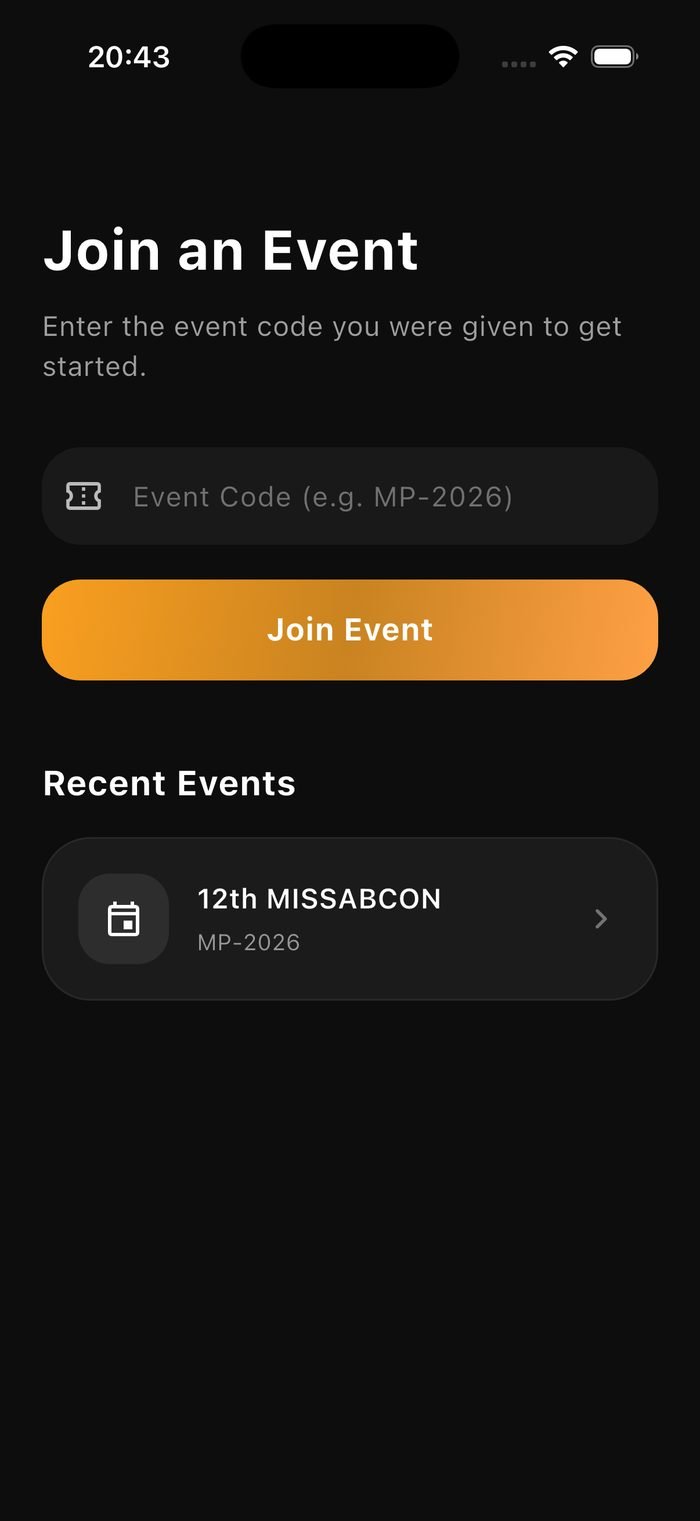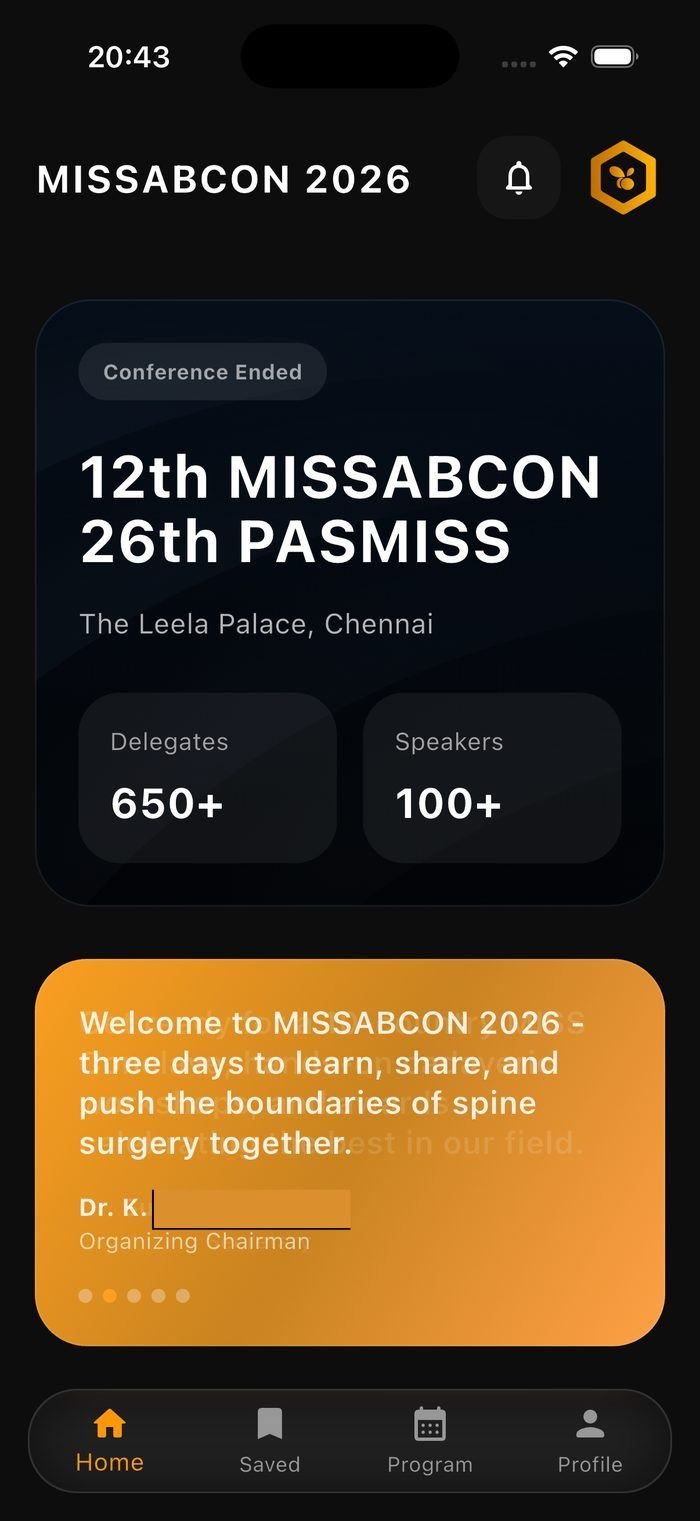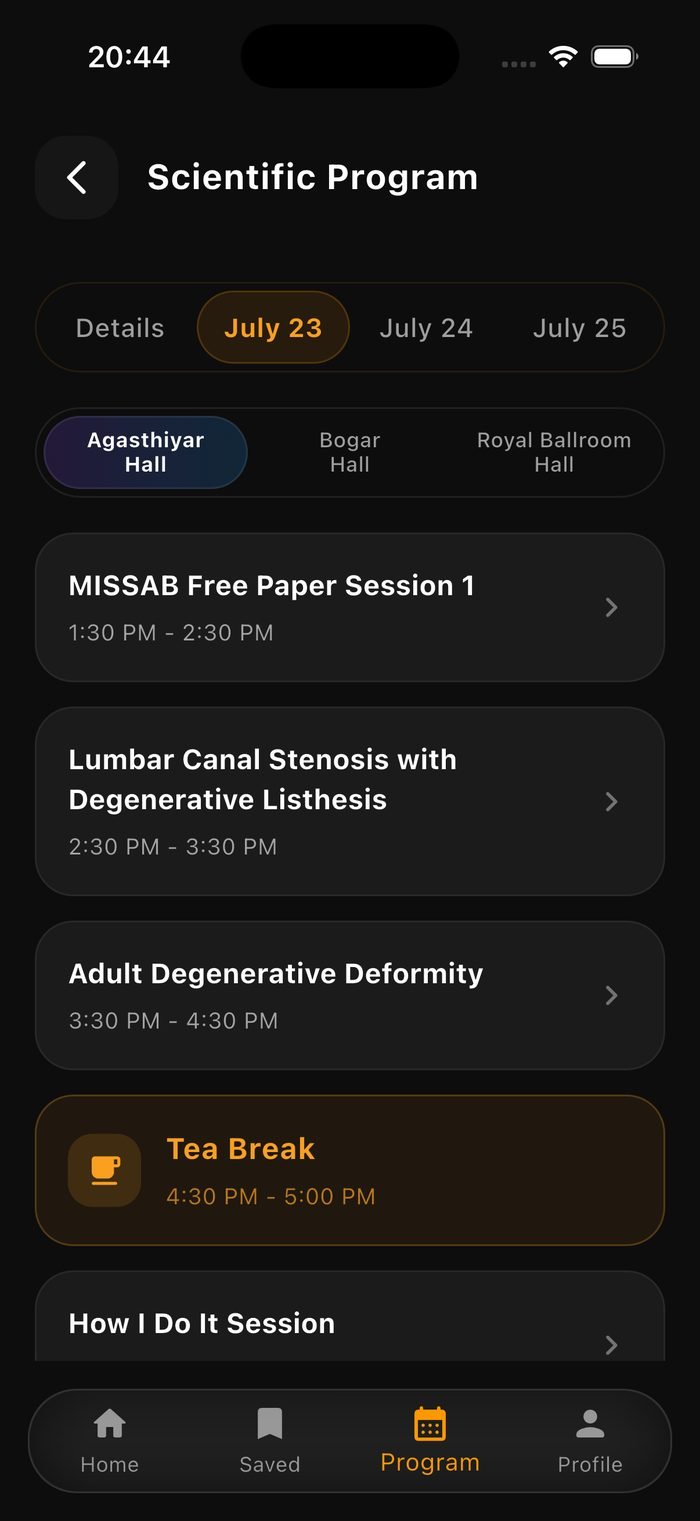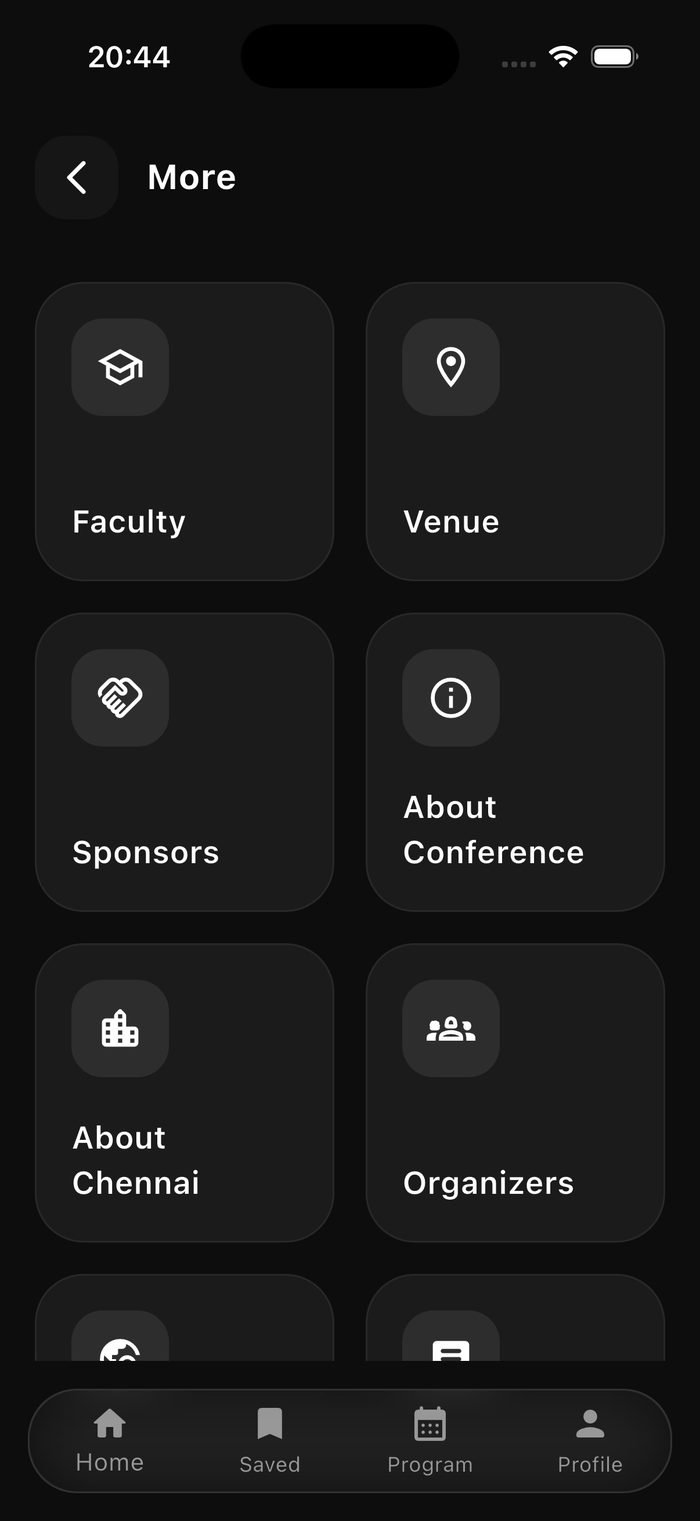
The hive for your conference.

ConfHive is the official companion app for conferences we power, schedules, faculty, and everything delegates need, in one place.

Legal

Privacy Policy

Last updated: July 2026

What we collect

When you create a ConfHive account, we collect:

  • Account details: your name and email address, used to sign in and identify you within an event.
  • Event activity: sessions and faculty profiles you bookmark, and feedback you submit for sessions you attend.
  • Basic app usage: standard technical data (like crash logs) generated by our backend provider to keep the app reliable.

We do not collect your precise location, and we do not run advertising or ad-tracking of any kind.

How we use it

Your information is used only to run the app: signing you in, showing your saved sessions and faculty, syncing your feedback, and sending event-related notifications. We do not sell your data, and we do not share it with advertisers.

Who we share it with

ConfHive is built on Google Firebase, which securely stores and processes your account and event data on our behalf, under Google's own data-processing terms. We don't share your personal data with any other third party.

How long we keep it

We retain your account and event data for as long as your account is active. You can request deletion of your account and all associated data at any time by contacting us, see Support below.

Your choices

You can review or update your profile information from within the app at any time, and you can request a copy or deletion of your data by emailing us. If we make material changes to this policy, we'll update the date above.

Children's privacy

ConfHive is intended for professional conference attendees and is not directed at children. We do not knowingly collect data from anyone under 18.

Help

Support

We're here if something's not working, or if you just have a question.

Contact us

For account issues, bugs, data requests, or anything else, reach out and we'll get back to you.

✉ support@confhive.com
How do I sign in?+

Open ConfHive and sign in with the email and password you used to register. If you've forgotten your password, use "Forgot Password" on the sign-in screen.

How do I request my data be deleted?+

Email support@confhive.com from the address linked to your account, and we'll remove your account and associated data.

I found a bug, how do I report it?+

Email us at support@confhive.com with a short description and, if possible, a screenshot. We read every message.

Does ConfHive work offline?+

ConfHive needs an internet connection to sync your schedule, faculty, and saved items in real time.